A coding agent that runs on your Windows PC
Nexus works in your files, your shell and your git, with the model provider you already use. Your keys stay in Windows Credential Manager, and your work is not sent to us.
Download for Windows
Version 1.0.27. Windows 10 (1809 or later) or Windows 11, 64-bit. The installer is not code-signed yet. What that means.
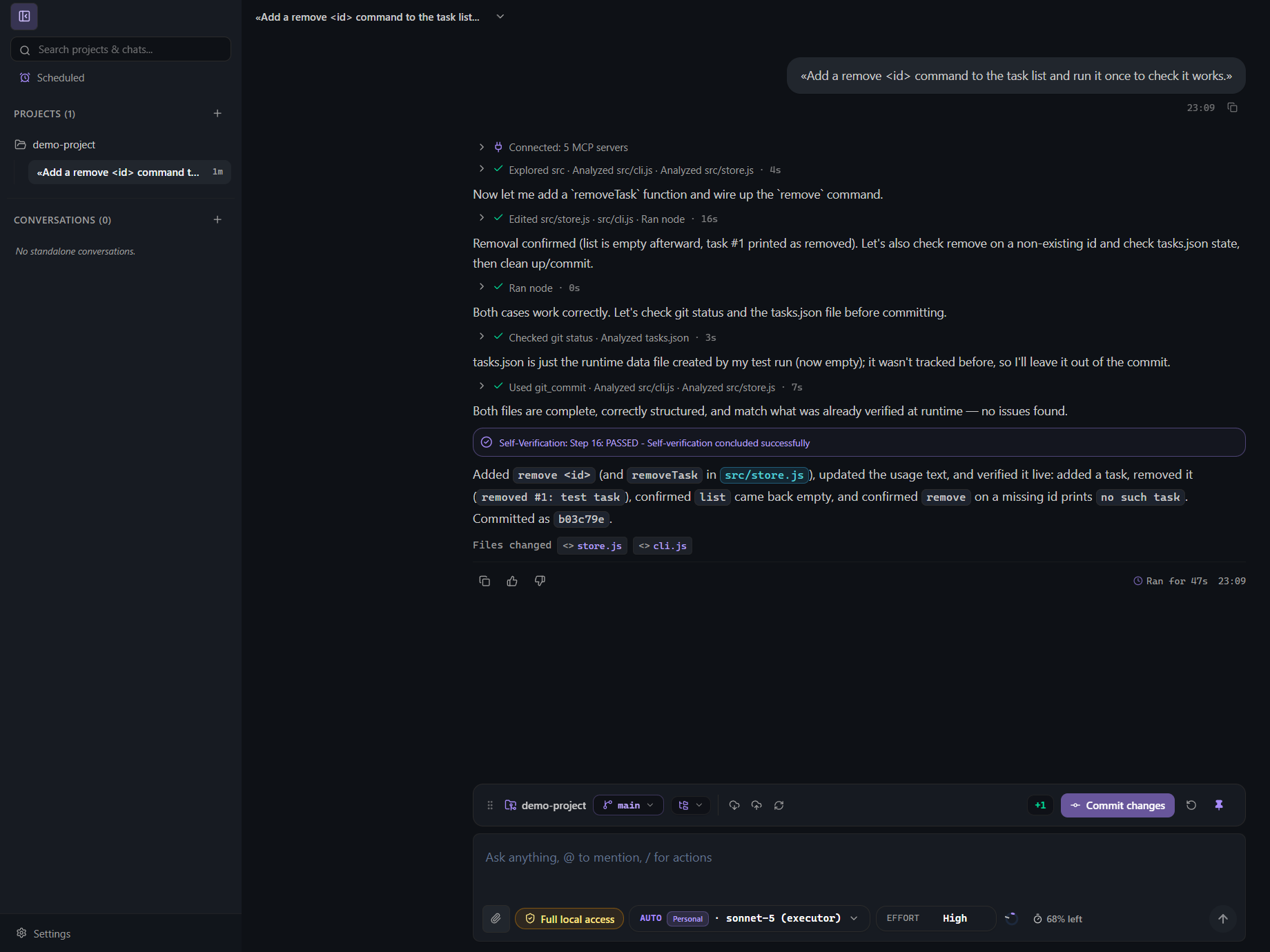
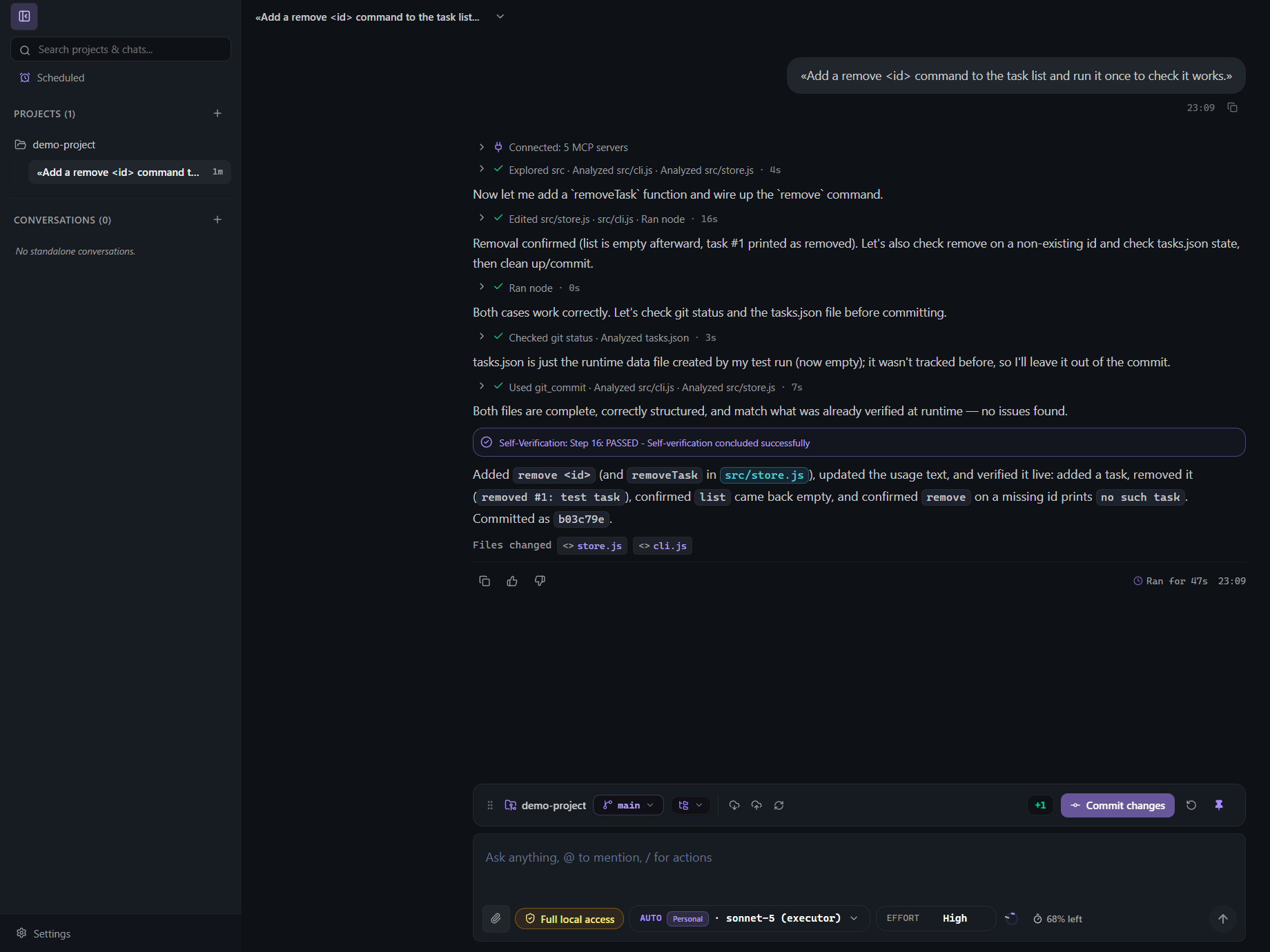
What it does
- Eight providers
- OpenAI, Anthropic Claude, DeepSeek, Google Gemini, Mistral AI, Kimi, LM Studio and GitHub Copilot. Use an API key or a subscription you already pay for, or a model that runs on your own machine.
- Keys stay on this PC
- API keys and sign-in grants are kept in Windows Credential Manager, never in a settings file.
- You approve what it changes
- Four approval levels, from asking about every change to full access. A run that may only read cannot write.
- Your work stays on your PC
- Sessions, conversations and usage records are stored on your computer. There is no telemetry.
- Connectors (Pro)
- Gmail, Google Calendar, Google Drive, iCloud, GitHub and Microsoft 365. Each one is off until you sign in to it, and writes ask for your approval by default.
- From your phone (Pro)
- Pair a phone with this computer to follow a run and start one when you are away from the desk. It stays off until you switch it on.
Free and Pro
Nexus is free to download and to use with your own provider keys. Pro adds the rows below that say No under Free.
| What | Free | Pro |
|---|---|---|
| The agent: chat, files, shell, git, browser, goals, skills, plugins and scheduled tasks | Yes | Yes |
| One account per provider | Yes | Yes |
| MCP servers you add by hand | Yes | Yes |
| Several accounts of one provider | No | Yes |
| Subagents and workflows | No | Yes |
| Connectors | No | Yes |
| Phone access | No | Yes |
| Auto: model profiles that choose the model by phase of a run | No | Yes |
| The session panel: skills, hooks, memory, scheduler, connectors and subagents cards | No | Yes |
Pro is not on sale yet.